Tools for authors
Love Dabble? Add Your Book Pro for the editorial stage.
Published by Your Book Pro
The short answer
Dabble is where you plot and draft. Your Book Pro is where you find out whether the draft works and turn it into a finished book. Keep Dabble's plot grid and writing environment; bring the manuscript across for editorial feedback, beta-reader reports, proofreading and print-ready files.
Keep the tool you like. Add Your Book Pro when you want book-level AI guidance.
Definitions, plainly
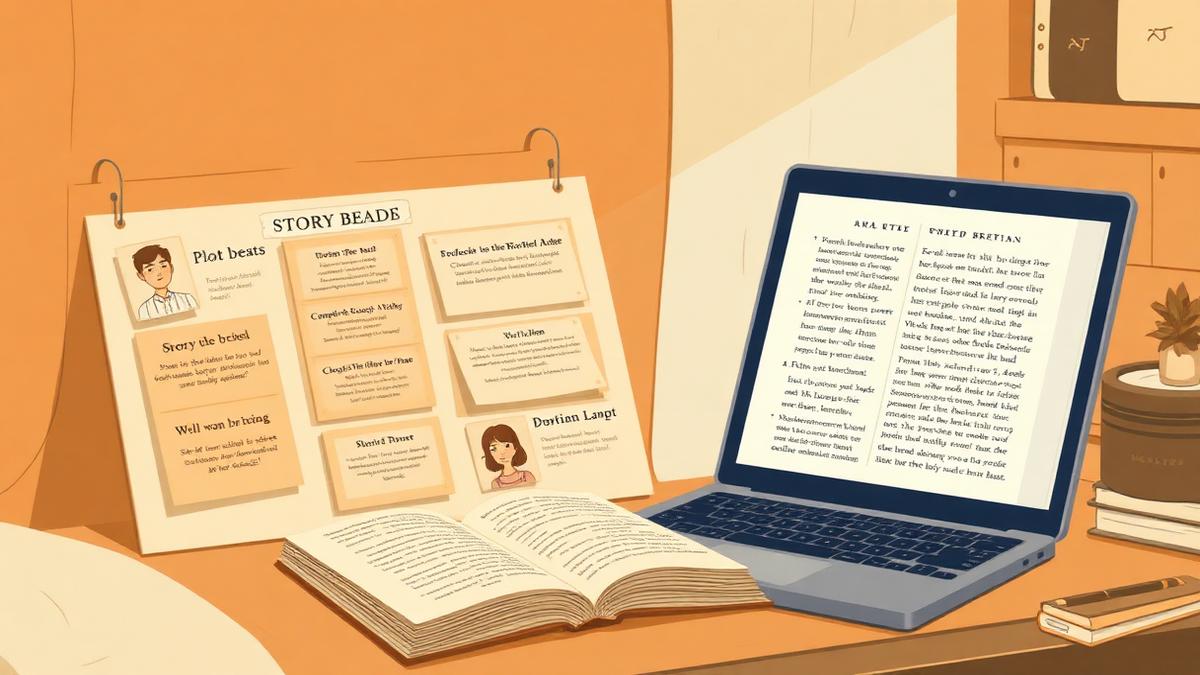
Dabble is a cloud novel-writing app with a plot grid, story notes, goal tracking and a clean drafting interface, aimed primarily at fiction writers.
Your Book Pro is an author-controlled book development platform: you dictate, write or upload your manuscript, and it gives book-level guidance - a chapter plan, editorial feedback, beta-reader style reports, proofreading in US or UK English, and print-ready output - without writing the book for you.
What Dabble is best at
Dabble is built around one job - writing a novel - and it does that job with unusually little friction.
- The Plot Grid: story beats, arcs and subplots laid out visually and linked to scenes.
- A comfortable cross-device drafting experience with sync, goals and word tracking.
- Story notes and character files that stay beside the manuscript rather than in another app.
- Straightforward pricing: Basic $19/month, Standard $29/month and Premium $49/month.
What Your Book Pro adds
Planning tools tell you what you intended. They cannot tell you what actually landed on the page.
- Editorial feedback on the finished draft: structure, pacing, tone, character logic and missing material.
- A chapter spine derived from the manuscript itself, so the plan reflects the book you wrote rather than the one you outlined.
- Beta-reader reports with attention drop-off and unanswered reader questions.
- Genre-aware assessment beyond fiction, including memoir, non-fiction, children's books, poetry and scripts.
- Dictation and recorded-source material, proofreading in US or UK English, and reading PDF, print files and physical copies.
Who should use which
Dabble on its own is enough if
- You are plotting and drafting and want everything in one comfortable place.
- Your book is fiction and your outlining process is the part you most want supported.
- You are happy to handle revision judgement yourself.
Use both if
- The draft is done and you need an honest read of it.
- You want a beta-reader style report before sending it to real readers.
- You need proofreading and print-ready output.
- You are writing something outside Dabble's fiction focus.
A practical Dabble + Your Book Pro workflow
1. Plot and draft in Dabble
Use the Plot Grid and story notes exactly as you do now.
2. Export the manuscript
Dabble exports Word and plain-text manuscripts; either works.
3. Import into Your Book Pro
Chapters are detected, duplicates are caught by content hash, and you get a chapter spine you can reorder without losing your notes.
4. Run the editorial stage
Editorial feedback, beta-reader report, then proofreading with your US or UK profile and author dictionary.
5. Finish
Generate the reading PDF and printer-ready files, or paste the revised text back into Dabble if you would rather keep working there.
Honest note on interoperability: This is a manuscript-file handoff, not a native integration. Your Book Pro imports .docx, .doc, .rtf, .pdf, .txt and .md files up to 15 MB. It exports a complete PDF, printer-ready print files, Markdown or plain text, a styled Word .docx on Pro, and native Scrivener projects - so if you want to carry on in your other tool afterwards you take the Word file straight back into it.
Price comparison
| Dabble | Your Book Pro | |
|---|---|---|
| Entry price | Basic $19/month | Plus free (1,000 welcome credits) |
| Higher tiers | Standard $29/month; Premium $49/month | Plus free; Pro billed yearly (see /pricing) |
| Reported scale | An older official Dabble page claims 9,583 writers; treat as a dated figure | Not published |
Prices are the vendors' published figures at the time of writing and change without notice.
Frequently asked questions
Does Your Book Pro replace the Plot Grid?
No. Your Book Pro plans from the draft you have written, not from an outline you are about to write. If you love plotting visually in Dabble, keep doing it there.
Is there a Dabble integration?
No. It is a manuscript-file handoff. Your Book Pro imports .docx, .doc, .rtf, .pdf, .txt and .md up to 15 MB, and exports a styled Word .docx on Pro for the trip back.
Will importing create duplicate chapters?
No. Imports are checked by content hash, so re-importing the same manuscript is detected rather than silently duplicated.
Does Your Book Pro track word-count goals?
It tracks progress toward a finished book rather than daily streaks. For habit tracking, Dabble does it better.
Sources
Vendor prices and user figures are as published by each company at the time of writing and may have changed since.