Tools for authors
Your Book Pro vs Scrivener: a decision guide
Published by Your Book Pro
The short answer
Choose Scrivener if your problem is organising a large, research-heavy manuscript and you want a one-off licence and total manual control. Choose Your Book Pro if your problem is knowing what the book needs - a plan, an editorial read, proofreading, print-ready files. Most authors who own Scrivener are best served by keeping it and adding Your Book Pro, because the two support a genuine round trip.
Keep the tool you like. Add Your Book Pro when you want book-level AI guidance.
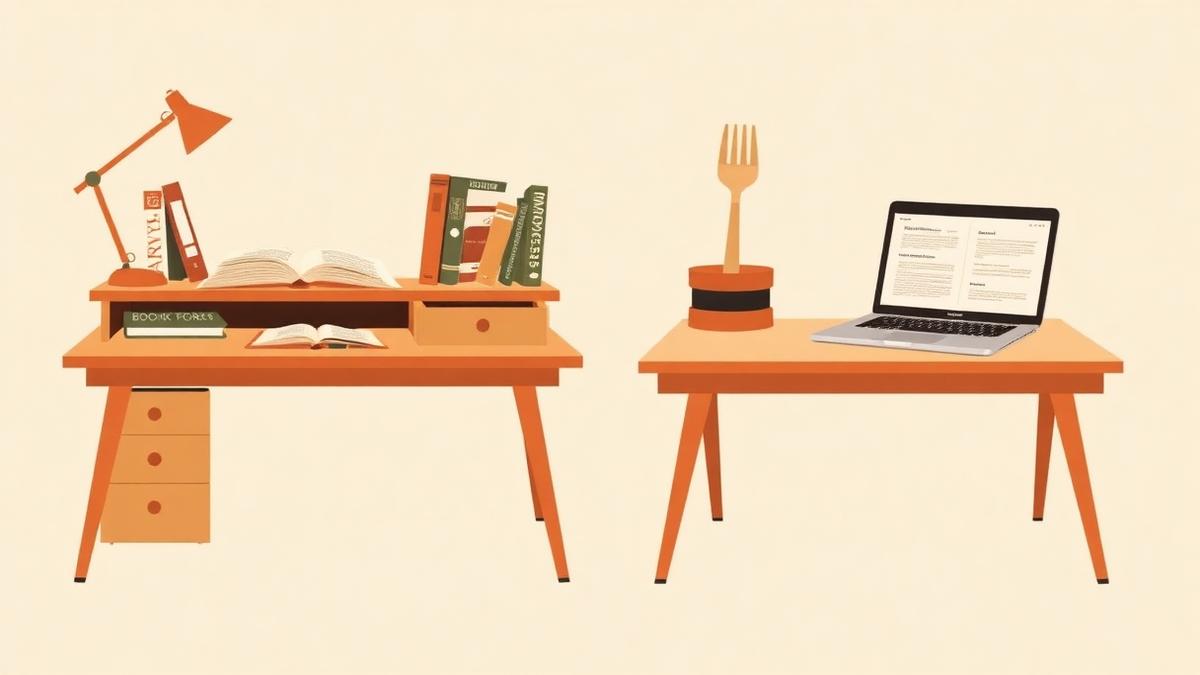
Definitions, plainly
Scrivener is a desktop manuscript workshop from Literature & Latte, built around the Binder, Corkboard and Outliner, with a one-off licence and no native AI features.
Your Book Pro is an author-controlled book development platform: you dictate, write or upload your manuscript, and it gives book-level guidance - a chapter plan, editorial feedback, beta-reader style reports, proofreading in US or UK English, and print-ready output - without writing the book for you.
What Scrivener is best at
Scrivener has been the serious writer's default for twenty years for good reasons, and none of them have expired.
- The Binder: hundreds of documents, folders, research files and notes in one navigable project.
- Corkboard and Outliner views for restructuring a long manuscript quickly.
- Deep, configurable Compile for exporting to almost any format you need.
- A one-off licence - $59.99 for Mac or Windows, $23.99 for iOS - with no subscription.
- It runs locally, offline, on your own machine, and Literature & Latte reports users in the hundreds of thousands.
- No native AI at all, which for many authors is a feature rather than a gap.
What Your Book Pro does that Scrivener does not
Scrivener will hold your book perfectly and tell you nothing about it. That is the design. Your Book Pro is the opposite.
- Editorial feedback on the whole manuscript, with dated, immutable reports you can compare over time.
- A chapter plan and spine generated from your draft, with notes preserved through reordering.
- Beta-reader style reports and unanswered-question lists.
- Dictation and recorded-source work: speak chapters, or turn interviews, talks and podcast archives into draft material.
- Proofreading with a US or UK profile and an author dictionary that learns your names and deliberate spellings.
- Advisory checks on sources, quotations and claims - flagged for you, never silently changed.
- Production: reading PDF, printer-ready interior and cover files, cover and blurb help, publishing guidance and physical copies.
Who should use which
Scrivener on its own is enough if
- You want everything local and offline, on hardware you control.
- You are managing an enormous research archive alongside the manuscript.
- You object to AI in your writing process on principle - a completely legitimate position, and Scrivener is the right tool for it.
- You prefer one payment to any subscription.
Use both if
- You already own Scrivener and want editorial judgement without abandoning your project structure.
- You want to draft by speaking and organise the result in the Binder later.
- You want proofreading, print files and publishing support that Compile does not provide.
- You want an editorial read before you commission a human editor.
The round trip, which is real here
1. Import your Scrivener project
Your Book Pro imports the .scriv project natively - not a flattened text dump. Chapter folders and their scenes come across with the hierarchy intact.
2. Work the editorial stage
Chapter plan, editorial feedback, beta-reader report, proofreading, advisory source checks and the Editing Suite for the revisions.
3. Export back to Scrivener
Prepare → Export to Scrivener builds a Scrivener project ZIP. Unzip it and open the .scriv project. There is nothing you need to finish first.
4. Or finish in Your Book Pro
Generate the reading PDF and printer-ready files and order copies without going back at all.
Honest note on interoperability: Scrivener is the only tool in this comparison with a native two-way project handoff rather than a plain manuscript file transfer. The step-by-step version, with screenshots, is in the import guide linked below.
Price comparison
| Scrivener | Your Book Pro | |
|---|---|---|
| Licence model | One-off: $59.99 Mac or Windows, $23.99 iOS | Plus free; Pro billed yearly (see /pricing) |
| AI features | None - no native AI | Author-controlled editorial AI; never writes your prose |
| Reported scale | Hundreds of thousands of users, per public statements | Not published |
Prices are the vendors' published figures at the time of writing and change without notice.
Frequently asked questions
Do I have to choose between Scrivener and Your Book Pro?
No, and for most Scrivener owners choosing would be a mistake. The native round trip exists precisely so you can keep your Binder and still get an editorial read.
Does importing a Scrivener project break it?
No. Your original project stays untouched on your machine. Import creates a separate book in Your Book Pro, and export builds a new Scrivener project ZIP.
Does Scrivener have AI?
No. Literature & Latte ships no native AI features, which is a deliberate position and one many authors prefer.
Which is better value?
Scrivener costs less over time - one payment against an annual subscription. Whether that is better value depends on whether you need editorial guidance, proofreading and print output, none of which Scrivener sets out to provide.
Sources
Vendor prices and user figures are as published by each company at the time of writing and may have changed since.
Keep reading
- How to import a Scrivener project - and export it back
- Love Scrivener? Supercharge it with Your Book Pro
- The best book writing software in 2026, compared